
Enterprise
Data stays in-house.
Your own server, an AI that sees only a summary, human-approved work. Your Power BI investment stays.
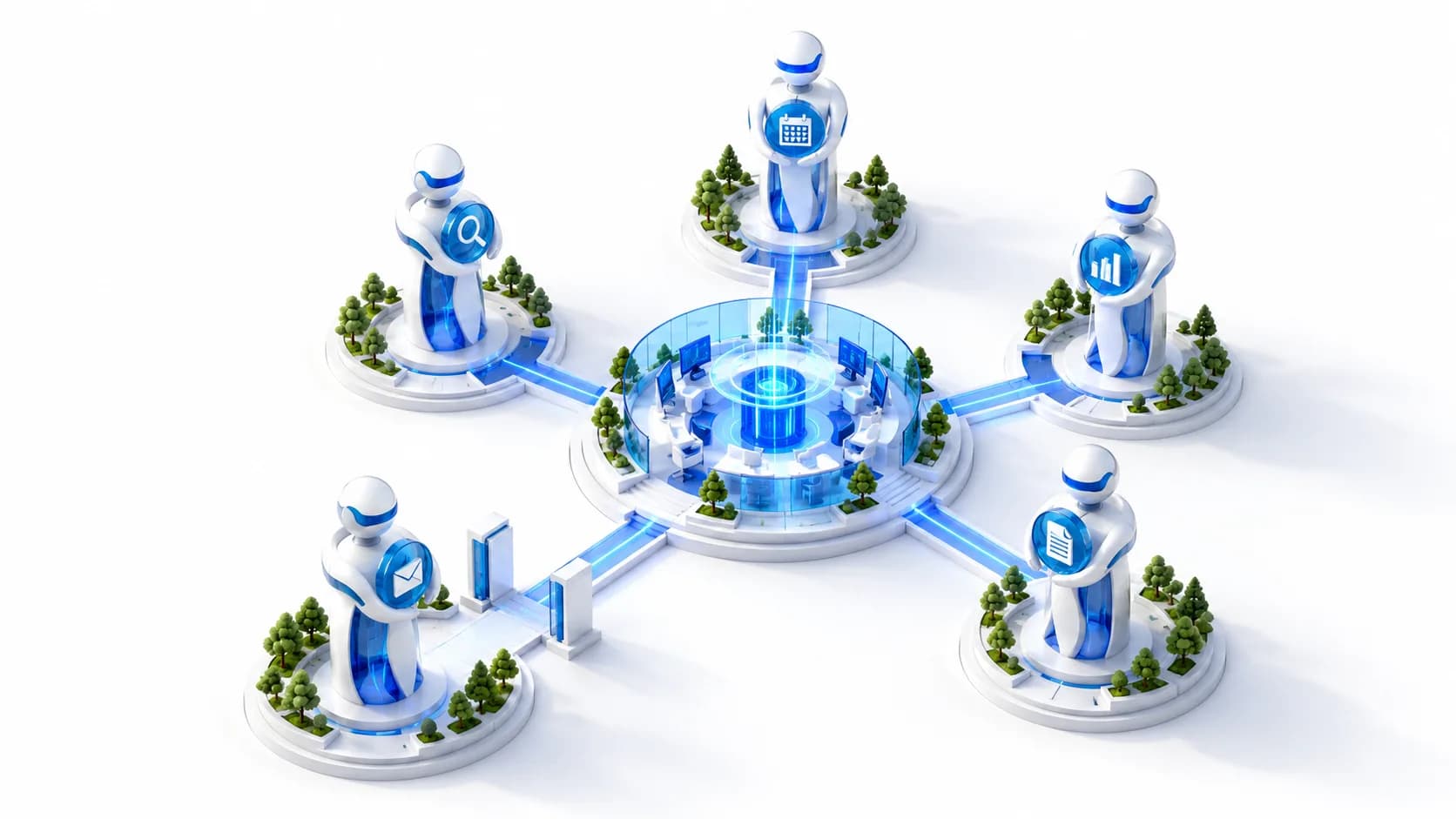
Bridge
On top of your Copilot and Fabric investment
Your existing Power BI and Fabric investment stays as it is; Yaverim is added on top of your prepared report model. Maintaining the report model and the environment stays in your hands.
Talk to your Power BI reports
- Persistent report
- Dashboards
- Scheduling
- It tells you when a target slips
- Correcting a wrong answer
- Approval Center
Comparison
Why aren't today's tools enough?
- Yes
- Partly
- No
- Varies by product
| SaaS assistant | Enterprise BI | General chat assistant | Digital worker platforms | Custom project | Yaverim Platform | |
|---|---|---|---|---|---|---|
| Application and database run on your own server; the model reads blind by default, and on masked surfaces no personal data reaches it | No | Partly | No | Varies by product | Yes | Yes |
| Natural-language questions in your own language | Partly | Partly | Yes | Partly | Varies by product | Yes |
| Connects to your own database or Fabric semantic model | Partly | Yes | No | Partly | Yes | Yes |
| Real-time voice assistant | Partly | No | Partly | Varies by product | Varies by product | Yes |
| Taking approved action | No | No | No | Partly | Varies by product | Yes |
| Define your own agents, with agent-to-agent tool calls | Partly | No | No | Yes | Partly | Yes |
| Visual workflows and a ready-made role catalog | Partly | No | No | Yes | Partly | Partly |
| Connections to the other software you use | Partly | No | Yes | Varies by product | Partly | Partly |
| Alerts and briefings that reach you before you ask | No | Partly | No | Varies by product | Varies by product | Yes |
| Per-channel permissions, one door out, answers you can trace | No | No | No | Varies by product | Varies by product | Yes |
This table is built from the publicly documented scope of each product class; it makes no measured superiority claim. Speed and cost comparisons should be run on your own data with the same tasks.
Studio
Studio and Management Center
The application is split into three areas: the Workspace everyone uses, Studio for design, and the Management Center for administrators.
Start with the security summary
Read the architectural evidence, then plan a pilot on your organization's data. Fill in the form for a quote, or write to [email protected].